
What is an AI product recommendation chatbot?
An AI product recommendation chatbot uses your product information and the preferences shoppers share in chat to suggest relevant options and explain the differences.
- Narrow the choice. Help shoppers find suitable options without reading every product page.
- Make comparisons clearer. Explain differences in features, materials, sizes, or intended use.
- Answer questions before purchase. Clarify whether a product meets the customer’s requirements.
- Make products easy to find. Point shoppers to the relevant page when they are ready to explore or buy.
Skills for your product recommendation chatbot
Give shoppers a way to explore a recommendation or get more advice.
Skill
How it works
Action buttons
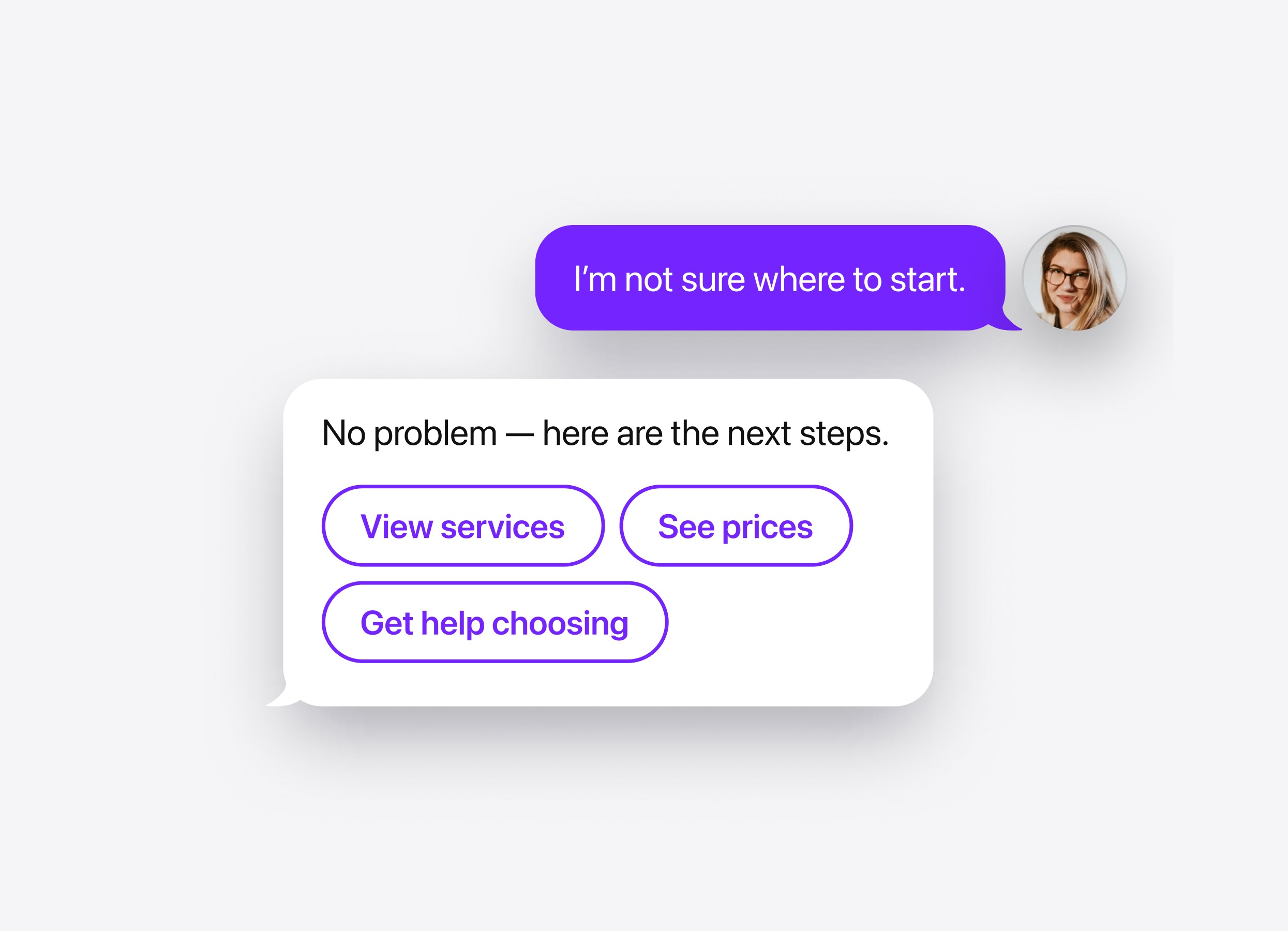
Show relevant buttons that open a product page, category, or buying guide. Give shoppers a clear next step after explaining their options.
Human handoff
Offer contact with your team when a shopper needs specialist advice or a detail is missing from the chatbot’s knowledge. Configure options such as email, phone, or WhatsApp.
Lead form
Collect a name, email, or phone number when a shopper wants personal advice or a quote. Keep contact details linked to the conversation so your team can review the products and requirements discussed.
Booking
Let shoppers schedule a product consultation or demonstration through Calendly or Cal.com. Offer booking when choosing the right product calls for a longer conversation.
Follow-up message
Send a message after a pause in the chat, such as “Would you like help comparing these options?” Customize the delay and wording to invite further questions.
Action buttons
How it works
Show relevant buttons that open a product page, category, or buying guide. Give shoppers a clear next step after explaining their options.
Human handoff
How it works
Offer contact with your team when a shopper needs specialist advice or a detail is missing from the chatbot’s knowledge. Configure options such as email, phone, or WhatsApp.
Lead form
How it works
Collect a name, email, or phone number when a shopper wants personal advice or a quote. Keep contact details linked to the conversation so your team can review the products and requirements discussed.
Booking
How it works
Let shoppers schedule a product consultation or demonstration through Calendly or Cal.com. Offer booking when choosing the right product calls for a longer conversation.
Follow-up message
How it works
Send a message after a pause in the chat, such as “Would you like help comparing these options?” Customize the delay and wording to invite further questions.