
What is an AI appointment booking chatbot?
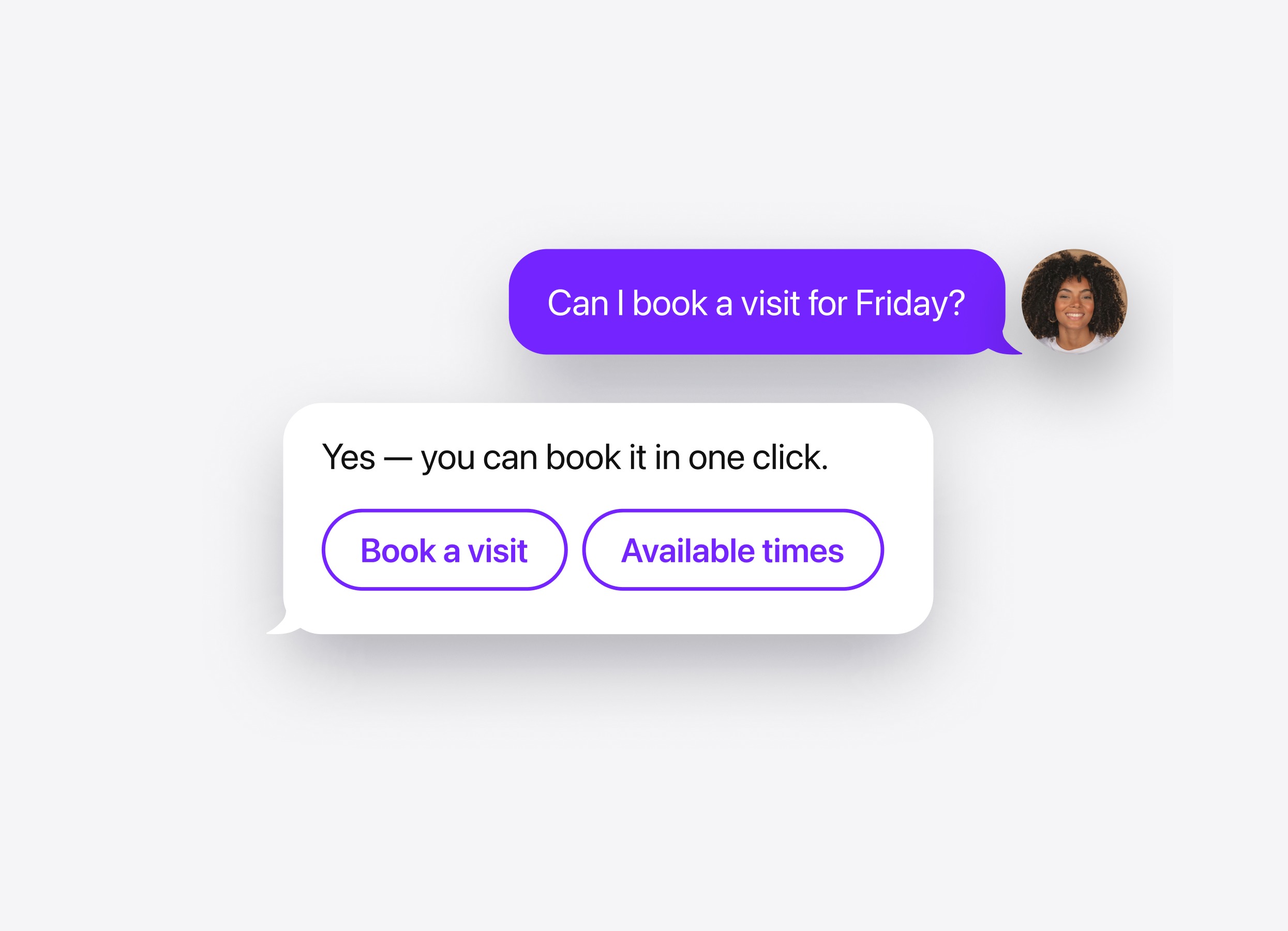
An AI appointment booking chatbot answers questions before a visit and connects visitors with your scheduling service to choose a time and confirm their appointment.
- Book in chat. Offer scheduling when a visitor is ready to meet or book a service.
- Simplify scheduling. Let visitors choose from available times instead of exchanging messages.
- Prepare visitors. Answer questions about the appointment’s purpose, location, and preparation.
- Take bookings 24/7. Let visitors schedule while your team is offline.
Skills for your appointment booking agent
Make booking part of the conversation, with contact options for visitors who need extra help.
Skill
How it works
Booking
Connect Calendly or Cal.com to show a time picker directly in chat. The chatbot offers booking when it matches the visitor’s intent and confirms the appointment once it is scheduled.
Action buttons
Give visitors a button to view service details, open directions, or contact your business. Make relevant information easy to access before they book.
Lead form
Collect a name, email, or phone number when someone wants a callback before committing to an appointment. Keep their details linked to the conversation so your team can understand the request.
Human handoff
Offer contact with your team for special arrangements or questions the chatbot cannot resolve. Configure email, phone, or WhatsApp options and define when to show them.
Follow-up message
Send a message after a pause in the chat, such as “Do you have any questions before booking?” Set the delay and wording to help visitors continue the conversation.
Booking
How it works
Connect Calendly or Cal.com to show a time picker directly in chat. The chatbot offers booking when it matches the visitor’s intent and confirms the appointment once it is scheduled.
Action buttons
How it works
Give visitors a button to view service details, open directions, or contact your business. Make relevant information easy to access before they book.
Lead form
How it works
Collect a name, email, or phone number when someone wants a callback before committing to an appointment. Keep their details linked to the conversation so your team can understand the request.
Human handoff
How it works
Offer contact with your team for special arrangements or questions the chatbot cannot resolve. Configure email, phone, or WhatsApp options and define when to show them.
Follow-up message
How it works
Send a message after a pause in the chat, such as “Do you have any questions before booking?” Set the delay and wording to help visitors continue the conversation.