
What is an AI chatbot for lead generation?
An AI lead generation chatbot answers visitor questions and collects contact details so your business can continue the conversation.
- Capture inquiries. Let visitors leave their details when they want a quote, demo, or callback.
- Give visitors a reason to connect. Explain your offer and answer questions before asking for contact information.
- Keep useful context. See what each lead needs alongside their contact details.
- Collect leads 24/7. Keep taking inquiries when your team is offline.
Skills for your AI lead generation assistant
Choose how visitors can leave their details or arrange a conversation with your team.
Skill
How it works
Lead form
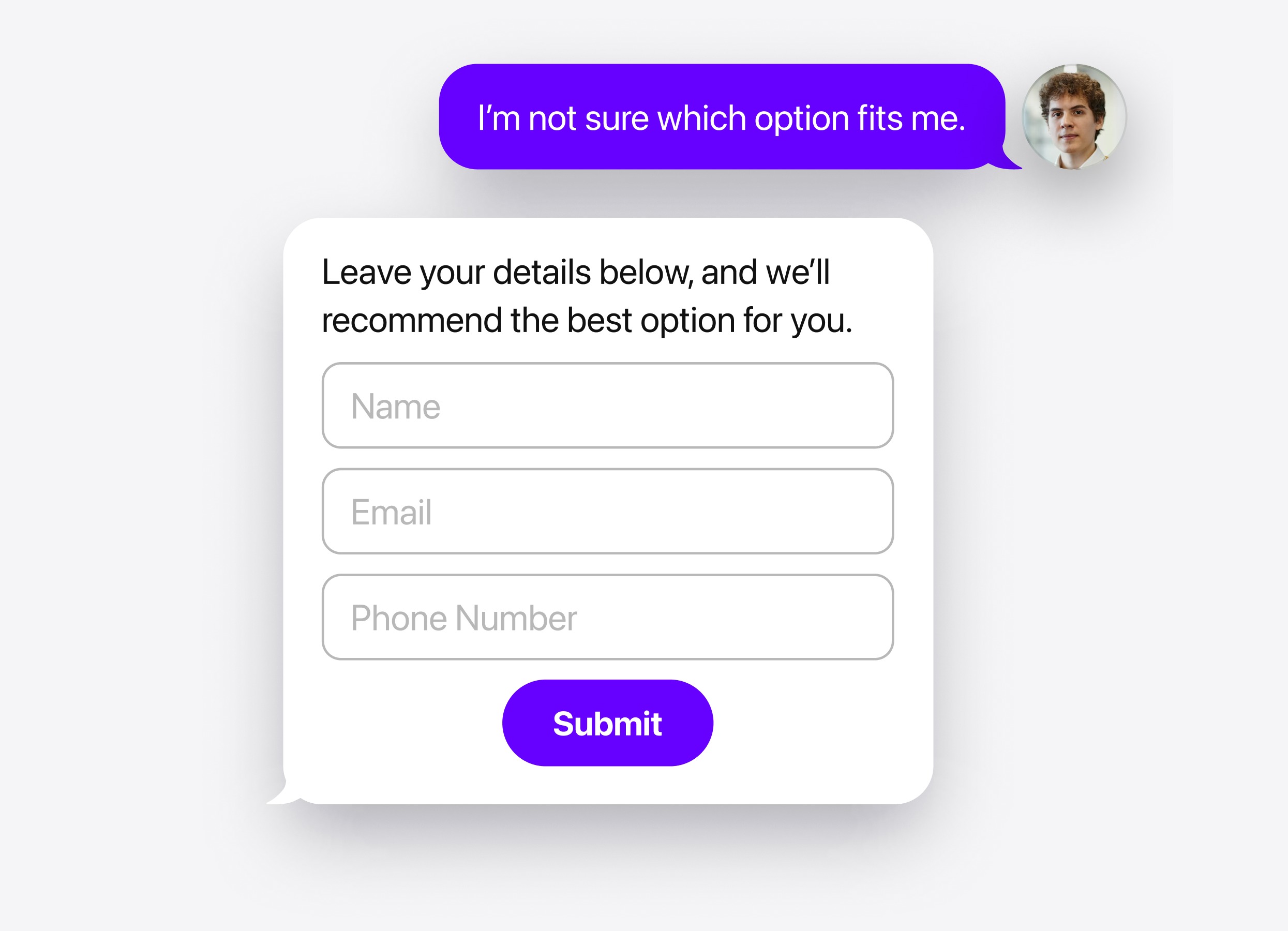
Collect names, emails, and phone numbers directly in chat. Choose whether the form appears before the conversation, before an answer, or after a reply. Keep submitted details linked to the conversation.
Booking
Let interested visitors schedule a demo or consultation through Calendly or Cal.com. Offer booking when it matches their intent, let them choose a time in chat, and confirm the appointment.
Action buttons
Show a relevant button to open a quote request page, call your business, or start an email or messenger conversation. Give visitors a clear way to act on their interest.
Human handoff
Offer contact with your team when a visitor asks for personal advice or has a request the chatbot cannot resolve. Configure options such as email, phone, or WhatsApp.
Follow-up message
Send a message after a visitor pauses the chat. Customize the delay and text to offer more information or invite them to request a callback.
Lead form
How it works
Collect names, emails, and phone numbers directly in chat. Choose whether the form appears before the conversation, before an answer, or after a reply. Keep submitted details linked to the conversation.
Booking
How it works
Let interested visitors schedule a demo or consultation through Calendly or Cal.com. Offer booking when it matches their intent, let them choose a time in chat, and confirm the appointment.
Action buttons
How it works
Show a relevant button to open a quote request page, call your business, or start an email or messenger conversation. Give visitors a clear way to act on their interest.
Human handoff
How it works
Offer contact with your team when a visitor asks for personal advice or has a request the chatbot cannot resolve. Configure options such as email, phone, or WhatsApp.
Follow-up message
How it works
Send a message after a visitor pauses the chat. Customize the delay and text to offer more information or invite them to request a callback.