
What is an AI customer support chatbot?
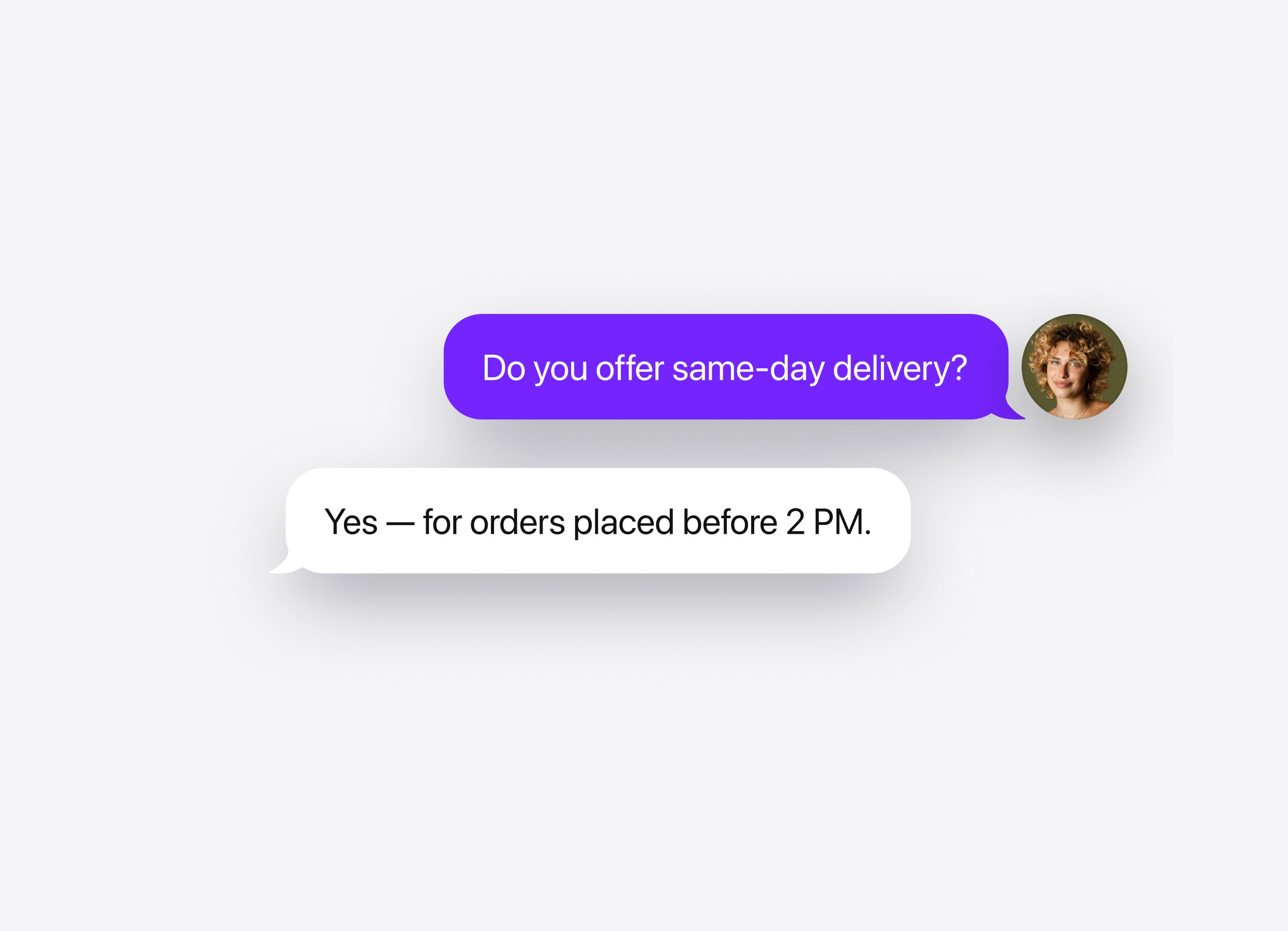
An AI customer support chatbot uses your help content and business information to answer questions and guide customers through common issues.
- Answer routine questions. Explain delivery terms, returns, billing policies, and product use.
- Make self-service easier. Help customers follow instructions and find the right help page.
- Reduce repetitive requests. Handle common questions so your team can focus on complex cases.
- Keep help available 24/7. Provide answers and collect callback details outside business hours.
Skills for your customer support chatbot
Choose how customers can get further help when an answer alone is not enough.
Skill
How it works
Human handoff
Offer contact with your support team when a customer asks for a person or needs help beyond the chatbot’s knowledge. Set up options such as email, phone, or WhatsApp and define when to show them.
Action buttons
Add a direct link to a help article, returns form, account page, or contact channel. Customers can open the relevant resource from the conversation.
Lead form
Use the form to collect a customer’s name, email, or phone number for follow-up. Choose when it appears and review submitted details alongside the conversation.
Follow-up message
Send a message after a pause in the chat, such as “Did those steps help?” Set the delay and wording to invite customers to continue if they still need assistance.
Booking
Let customers schedule an onboarding or support session through Calendly or Cal.com. Offer booking when a scheduled conversation is the appropriate next step.
Human handoff
How it works
Offer contact with your support team when a customer asks for a person or needs help beyond the chatbot’s knowledge. Set up options such as email, phone, or WhatsApp and define when to show them.
Action buttons
How it works
Add a direct link to a help article, returns form, account page, or contact channel. Customers can open the relevant resource from the conversation.
Lead form
How it works
Use the form to collect a customer’s name, email, or phone number for follow-up. Choose when it appears and review submitted details alongside the conversation.
Follow-up message
How it works
Send a message after a pause in the chat, such as “Did those steps help?” Set the delay and wording to invite customers to continue if they still need assistance.
Booking
How it works
Let customers schedule an onboarding or support session through Calendly or Cal.com. Offer booking when a scheduled conversation is the appropriate next step.