
One bot per client, all in one place
Build one agent per client, keep them all in one account, and organise them by project.
Each client site gets its own agent with its own knowledge, rules and look. Nothing is shared between them by accident.
Build one agent per client, keep them all in one account, and organise them by project.
Each client site gets its own agent with its own knowledge, rules and look. Nothing is shared between them by accident.
The full transcript
Everything the visitor and the agent said, in order.
The lead they collected
Name, email, phone, and whatever else the agent was asked to capture.
A one-line summary
Enough to know what to do next without opening a dashboard.
On the plans that allow it, the widget carries no Elfsight branding — your client sees the chatbot, not the vendor behind it.
What that covers is what site visitors see. It is not a rebranded dashboard.
There is a plan for an agency of any size — a couple of client sites or hundreds.
You are not buying seats for a support team you do not have. The same pricing scales with how many agents you run, not with how many people sit in an inbox.
The economics work because setup is fast. An agent builds itself from the client site and paints the widget in their brand colours, so what you spend time on is the rules — not building a bot from nothing, and not restyling it.
Common shapes: bundled into a website build as a value-add, sold as a monthly retainer line, or offered as a standalone service to past clients whose sites you already know.
Because it trains itself from the site, you can set one up for a prospect before the pitch and show them their own chatbot answering their own questions.
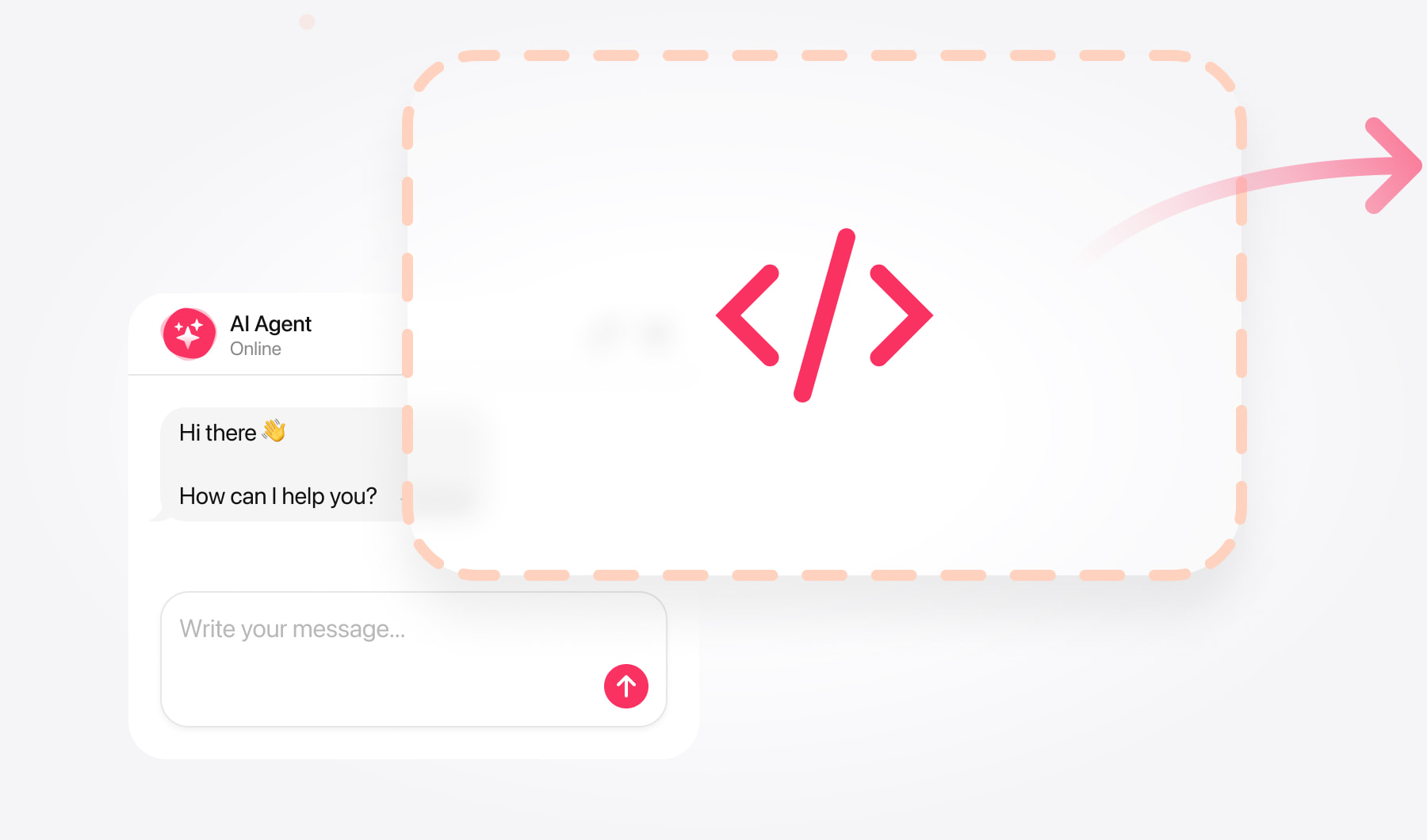
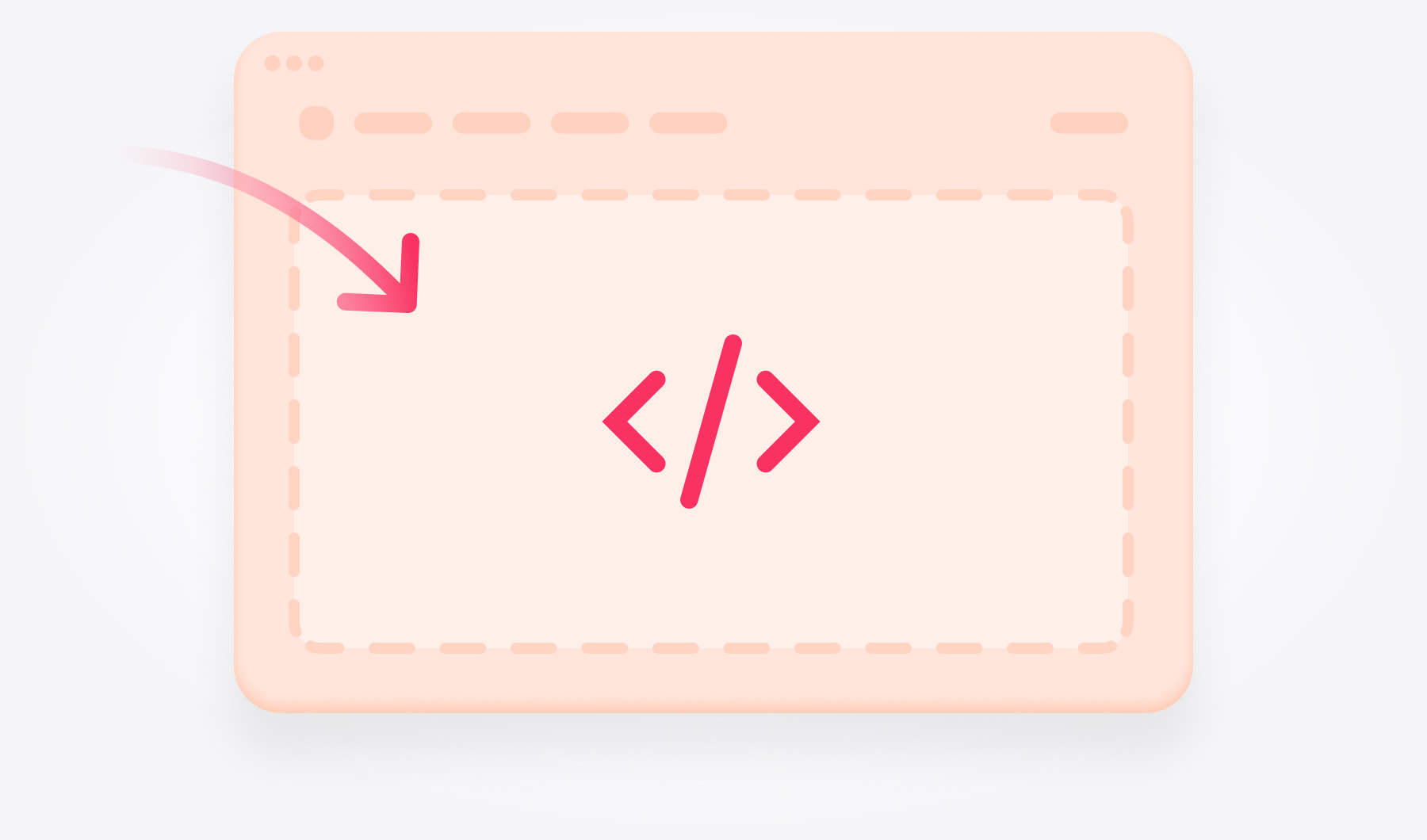
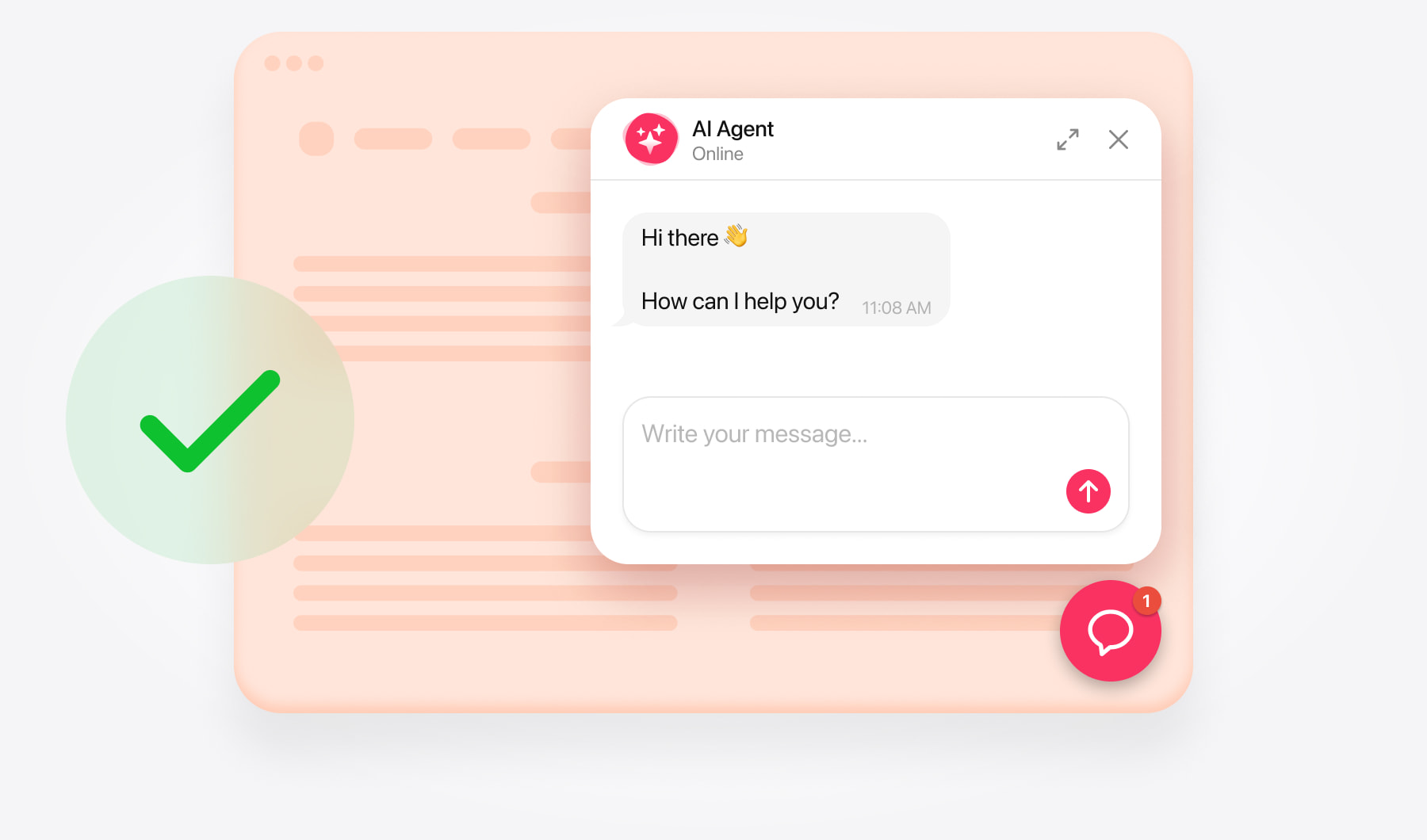
Our AI Chatbot widget is the easiest and fastest way to add an AI agent to your website.





















If you are building sites for other people, the agency setup is the same product with one extra: a separate agent per client, from one account.
Whether you bundle it into a website build or run it as a monthly line for clients you already look after, they get a widget that trains itself from their own pages — and on the plans that allow it, with no Elfsight branding on it.