
It should not follow people everywhere
A chat widget on every page of every visit gets ignored, or worse, closed on the first page and never opened again.
These settings are mostly about taking it off the pages where it is in the way, and choosing when it appears on the ones where it is not.
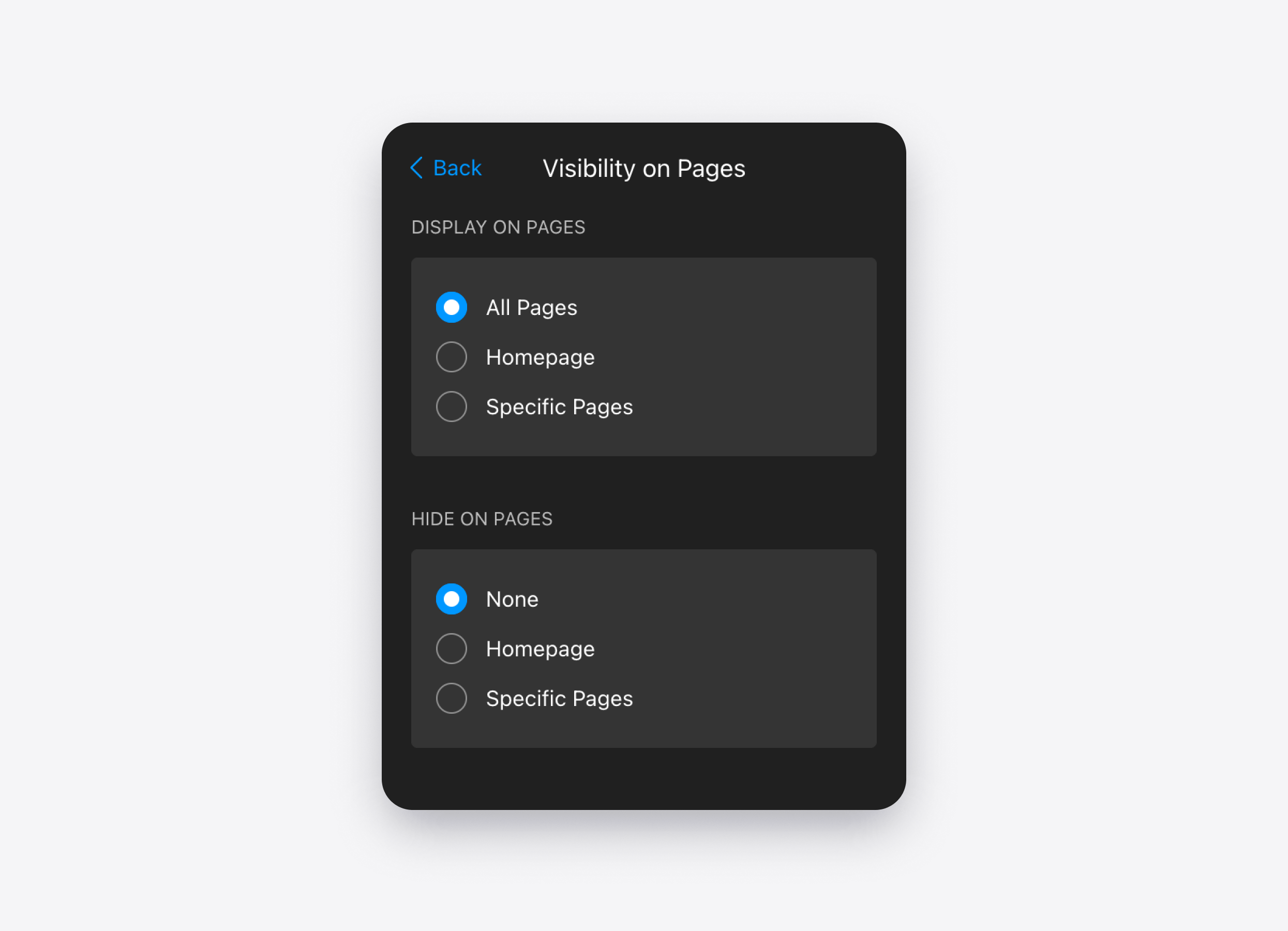
Which pages it shows on
Show or hide the widget by page address.
The usual patterns:
- Everywhere except the checkout, so nothing distracts a buyer mid-payment
- Only on service and pricing pages, where questions actually come up
- Off the blog, if your blog traffic is not your customer
Desktop, mobile, or both
Show the widget on desktop, on mobile, or on both. The launcher position and offset can differ, so a bubble that sits clear of a sticky bar on a phone does not have to match the desktop corner.
Hiding it on mobile is the usual choice when the page is already a booking flow or a checkout, and a chat bubble would cover the button.
When it appears
It can appear the moment the page loads, or after a delay you set.
And you choose what the visitor sees first: just the launcher, a greeting bubble with a few suggested questions next to it, or the chat opening by itself on desktop.
A greeting with suggested questions gets more conversations started. Opening automatically gets more still, and irritates more people. Worth testing on your own traffic.
Working hours
Set your regular weekly hours, and add exceptions for specific dates — a bank holiday, a week off, a one-off early close.
Worth saying plainly: most people using this widget want the opposite of a schedule. The whole point is that the agent covers the hours you cannot. Schedules are for the cases where you would rather the chat was not there outside business hours at all.
Session timeout
A session is one visit's conversation. After the timeout you set, the next message starts a new chat rather than appending to the old one.
Keep it short if you do not want yesterday's questions sitting in the window. Keep it longer if people come back to the same tab after a call and still expect the agent to remember what they were asking.