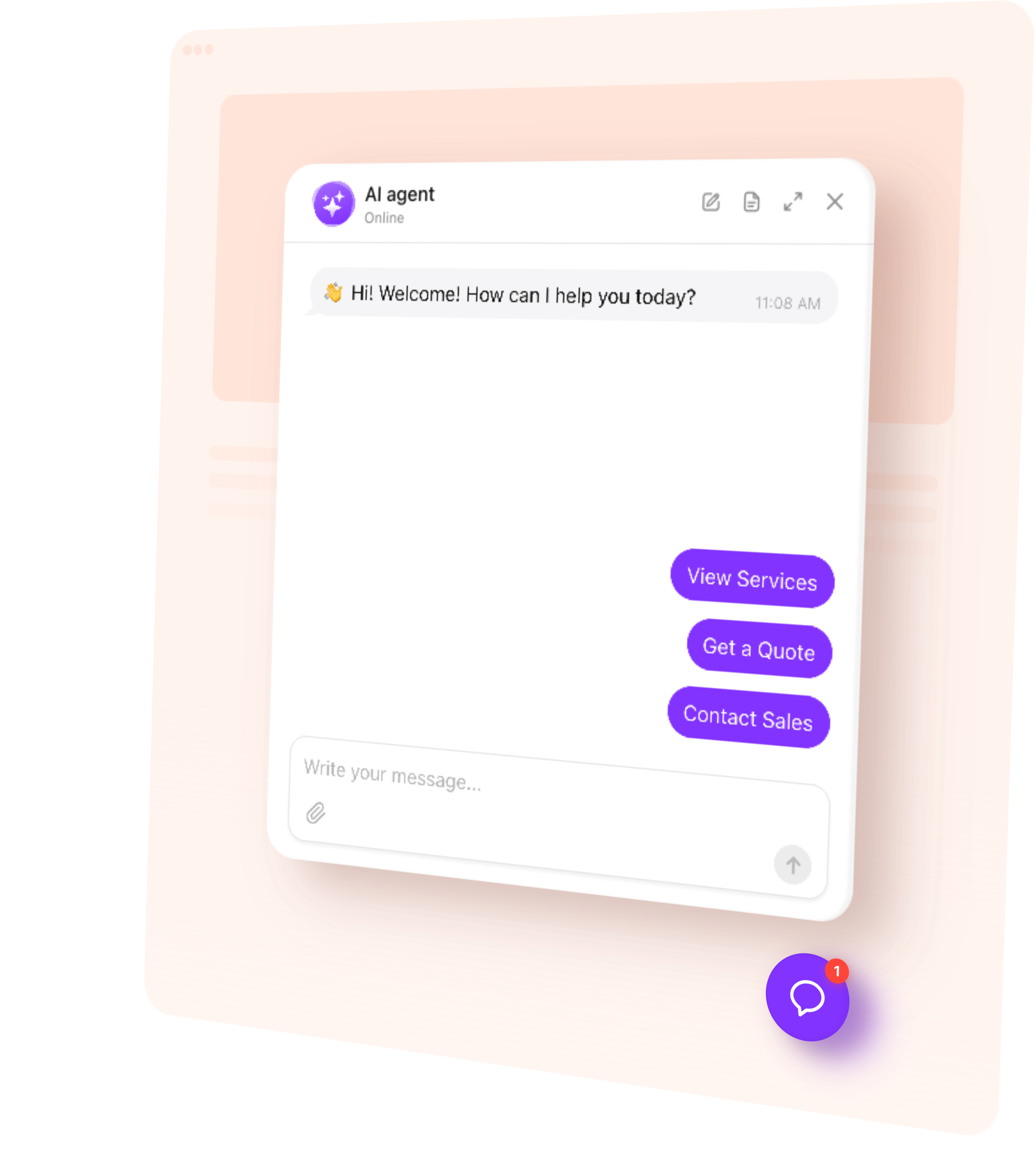
The same agent, answering your Instagram DMs. Same knowledge from your website, same rules, same voice.
You are not adding an inbox to check. You are removing the reason to check one.
Why Instagram
Instagram DMs are where people ask the pre-purchase questions they will not fill in a form for: is this in stock, how much, do you ship here, is it still available.
They usually ask straight after seeing a post, which means the reply is worth much more in the first ten minutes than the next morning.
Connect your Instagram account
Connect the account once. Nothing to build afterwards — the agent already knows your business from your website.How it learns your business
Most of these chats start from a post, a story or the profile button, and the question is the same one your website already answers: price, availability, whether you do that service.
The agent replies in the DM from your site content, at the moment they ask. If they want to book or leave a number, it can collect that in the thread instead of asking them to start again on the website.
It knows the same things it knows on your site
Instagram DMs use the same knowledge base as the website widget: pages, files and the rules you wrote.
There is no separate Instagram script to keep in step. Update a treatment on the site and the next DM is answered from that.
Connect the Instagram account that receives the DMs. Instagram sets its own conditions for which accounts may pass messages to a connected app, so the connect step is where you confirm yours qualifies.
After that, new DMs go to the agent. You do not train a second bot — it already knows the business from your website.
When it hands over to you
If the agent cannot answer, or the person asks for a human, it says so in the DM and offers your contact card.
Instagram threads go quiet easily; an honest hand-off is better than a half-answer. The conversation is still saved in chat history, marked as Instagram.
Try it on your own website
Paste your website address and watch it build itself. It reads your pages, works out what your business does and drafts how it should speak — then you can ask it something about your own business and see what it says.
1. Enter your website
2. Create AI agent
3. Add to website
Connect Instagram
Takes about a minute — create your bot, then connect the channel when you are ready.