
Before you start
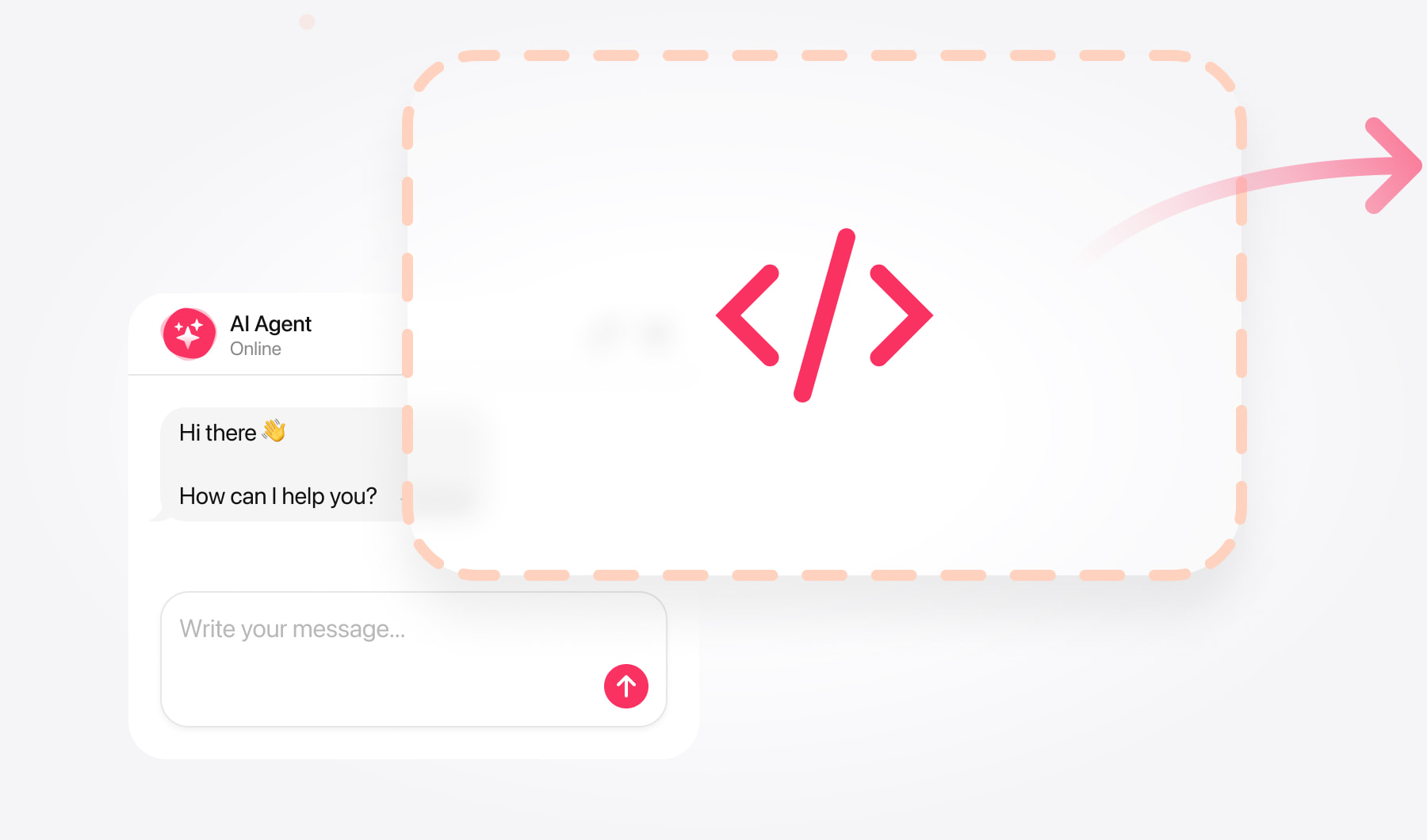
You need two things: your widget code snippet, and edit access to the Wix site. No apps to install and no premium plan requirement for the code itself.
Step by step
In your Wix dashboard, open Settings, then Custom Code under Advanced.
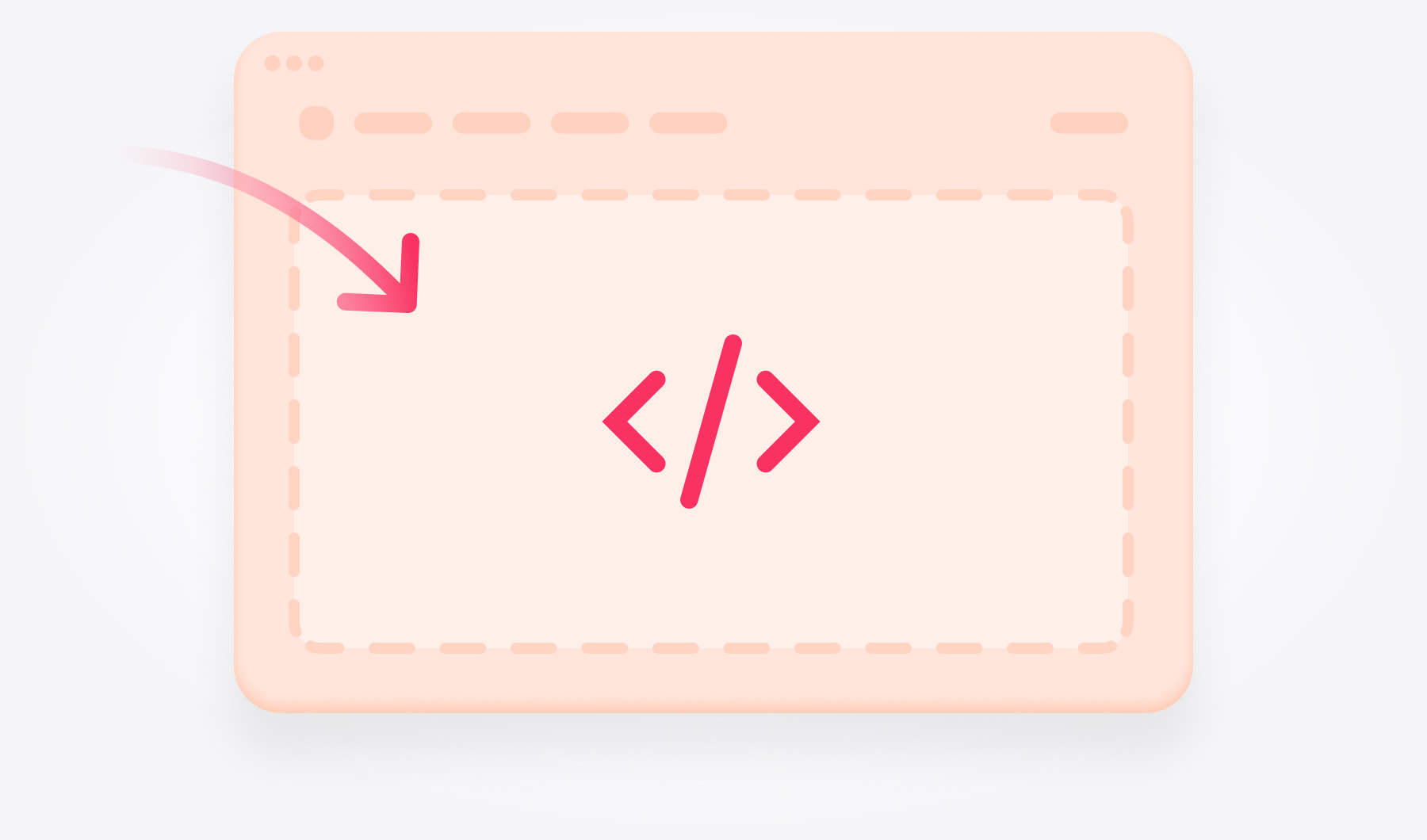
Click Add Custom Code and paste your snippet into the box.
Set it to load on All pages, and place it in Body - end.
Give it a name so you recognise it later, and apply.
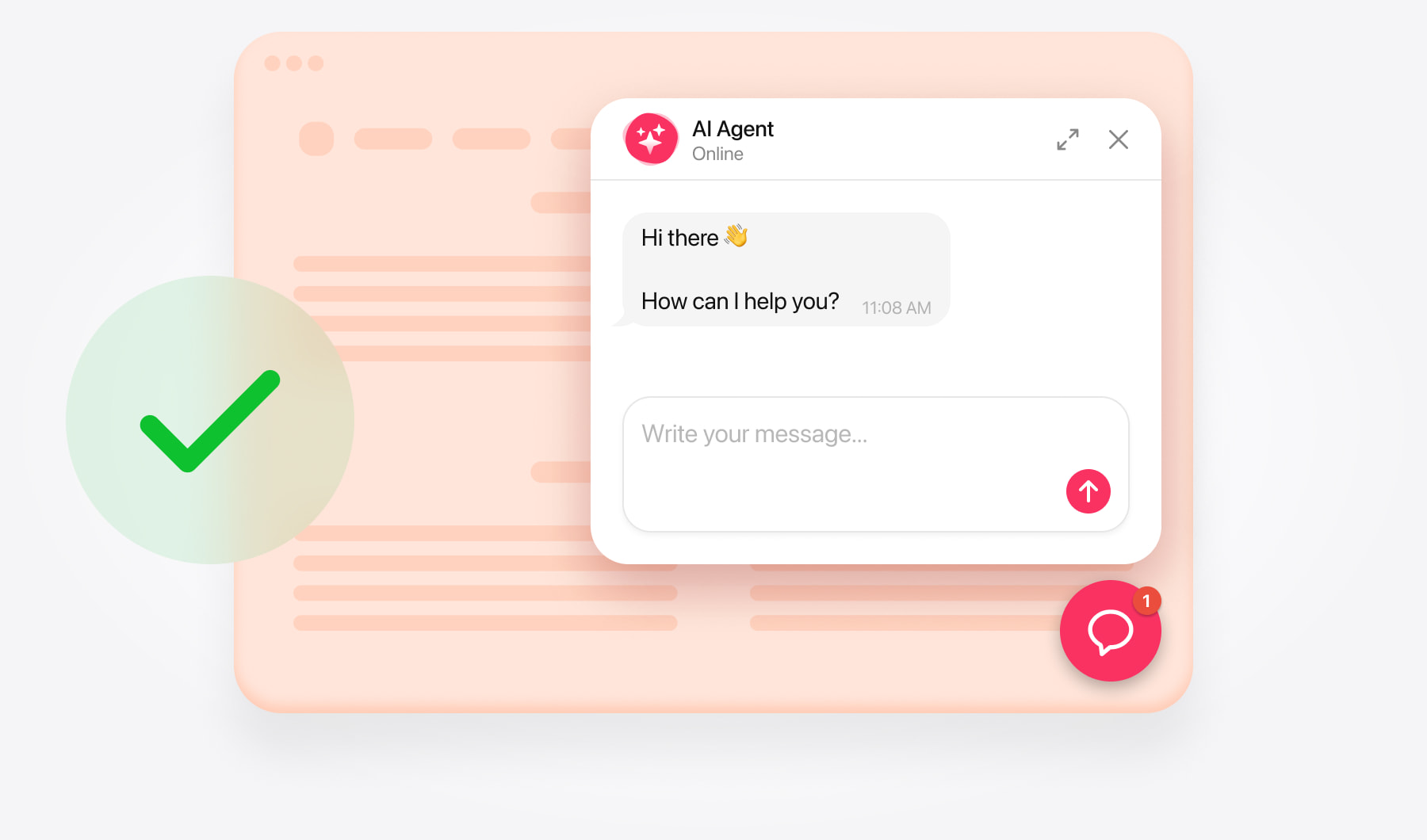
Publish the site. Changes saved but not published will not appear.